Two-character wave
Mint waves first and Ember answers. Play the four-second scene, change the timing on either track, and export your version as a video.
To start with your own characters, set up a scene in the skin viewer and choose Create video.
Open skin viewer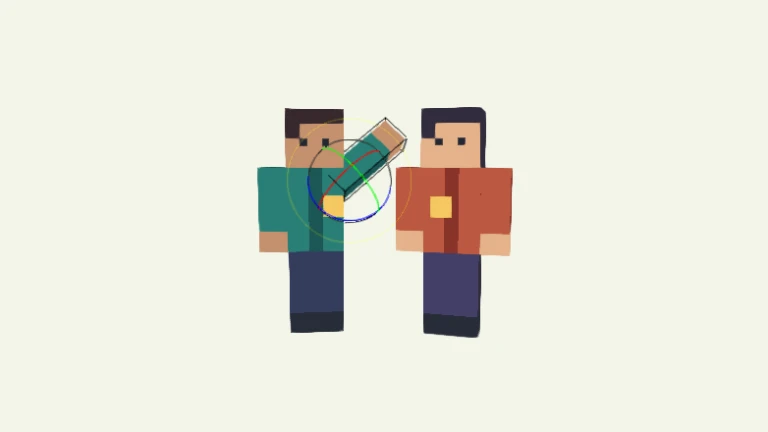
Create Minecraft skin animations online
Build a scene in the skin viewer, bring it into the animator, and move your characters while recording. Each character has its own takes on a shared timeline, so they can move together in the same video.
- Prepare characters, poses, backgrounds, and framing in the skin viewer, then choose Create video.
- Record each character or create a take from two keyframe poses. Move and trim takes, adjust their speed, and soften the start or end of a movement.
- Record camera movement, preview the full timeline, and download the animation as a video in a supported browser.
Saving projects and downloading videos
Projects and recovery copies stay in this browser. Clearing site data deletes them. Download a video to keep a separate copy of the finished animation; available video formats depend on your browser.
Comments connect to Disqus, which may use cookies, collect usage data, and show ads. Loading comments is optional.
Privacy & cookies